
● Research Access Guide
ScienceDirect & LeapSpace Account: Your Complete Guide to Full-Text Research Access
What ScienceDirect is, what Elsevier’s LeapSpace AI workspace adds, how the three access types differ, and what to check before you buy a dedicated account.
ScienceDirect is Elsevier’s full-text platform for peer-reviewed journal articles and book chapters. LeapSpace is Elsevier’s research-grade AI workspace built on that content. Through AliMed you can get a dedicated ScienceDirect account in three types: Type 1 (partial journal access), Type 2 (about 3,000 journals + LeapSpace) and Type 3 (the same plus about 27,000 e-books).
What Is ScienceDirect? The Full-Text Backbone of Elsevier Research
ScienceDirect gives researchers trusted, peer-reviewed full-text articles and book chapters from Elsevier and other leading scientific publishers. Instead of stopping at an abstract, you can open the complete paper, read the methods, check the references and follow the citation trail.
- Peer-reviewed full text – journal articles and book chapters, not just abstracts.
- Journals and books in one place – depending on the access type you choose.
- Rich research context – references, related articles and connected topics.
- Open Access stays free – Open Access articles on ScienceDirect.com are accessible even without a subscription.
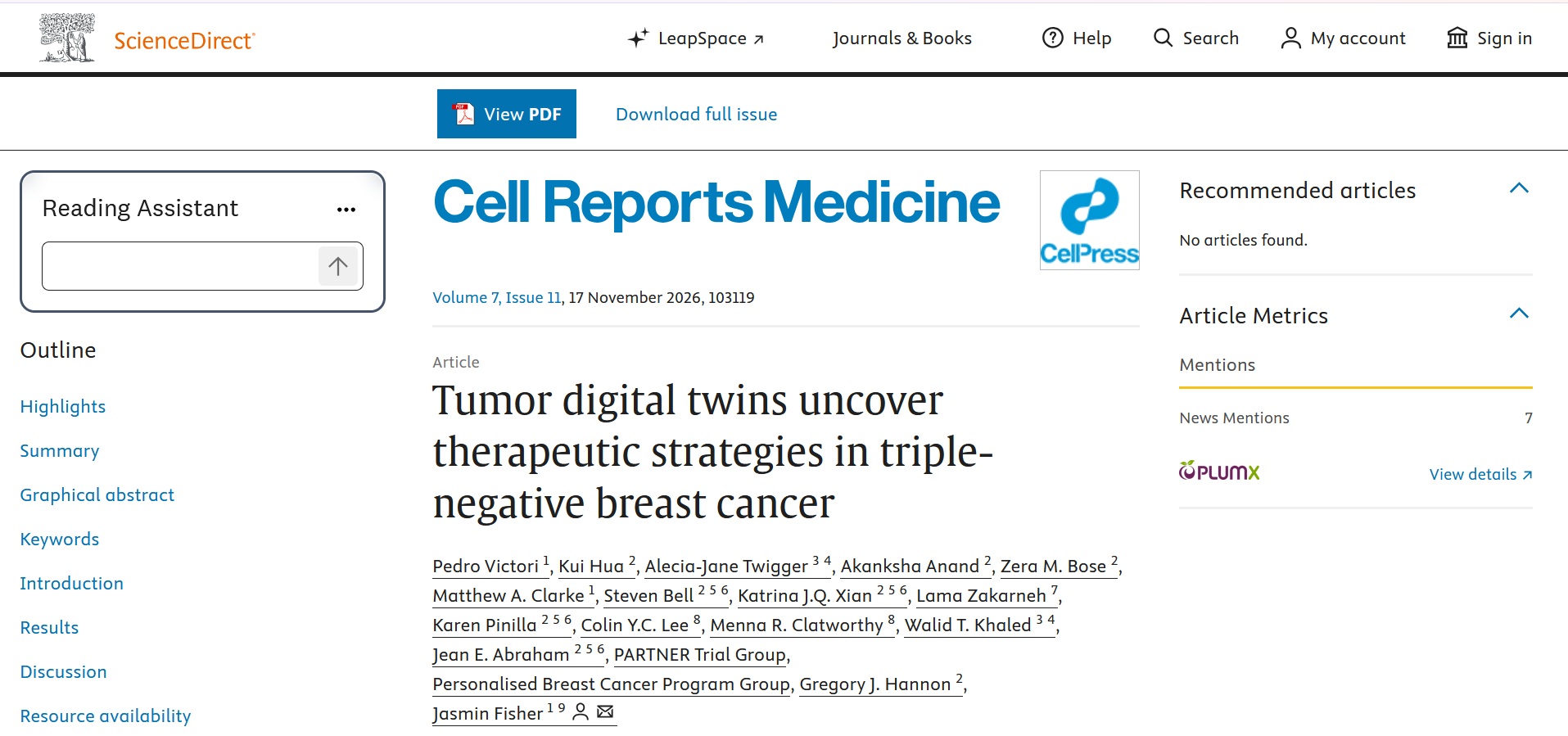
Open any article and capture the full-text view: title, abstract, the outline on the left and the Download PDF button.
Recommended size: 1200 × 800 px (3:2) · Alt text: “ScienceDirect full-text article page with outline and Download PDF button”What Is LeapSpace — and How Is It Different From ScienceDirect AI?
LeapSpace is Elsevier’s research-grade AI workspace. It combines trusted scientific content with responsible AI to help you find, understand, compare and synthesize scientific information faster.
It is built on 15+ million peer-reviewed full-text articles and Scopus abstracts, with Scopus coverage of 100+ million records from 7,000+ publishers. ScienceDirect AI is being integrated into LeapSpace, so its core features now live inside it. The content is not Elsevier-only: it also draws on publishers such as IOP Publishing, NEJM Group and Sage.
Good practice: use AI to speed up discovery and reading, then confirm every claim in the full text before you cite it.
Type a natural-language research question into LeapSpace and capture the screen with the AI answer and its source papers visible.
Recommended size: 1400 × 875 px (16:10) · Alt text: “LeapSpace AI workspace answering a research question with cited sources”Natural-language search
Ask a question the way you would ask a colleague and get relevant papers, instead of juggling Boolean strings first.
Reading Assistant
Get help understanding a dense paper, so you can decide faster whether it deserves a close read.
Compare
Put several papers side by side to see how their findings, methods and conclusions line up.
Who Gets the Most From a ScienceDirect Account?
Graduate & PhD students
Read full texts for your literature review instead of hitting paywalls halfway through a reference list.
Faculty & researchers
Keep up with journals in your field and follow citation trails across publishers.
Residents & clinicians
Go beyond the abstract when you want to read how a study was actually done.
Engineers & applied scientists
Reach peer-reviewed science and engineering literature, plus book chapters with Type 3.
Manuscript authors
Check methods, benchmark your references and see how target journals present similar work.
Systematic review teams
Pair a bibliographic database for searching with ScienceDirect for reading the full texts you need to screen.
ScienceDirect Type 1 vs Type 2 vs Type 3: What Is the Difference?
Capture the ScienceDirect browse page where the Journals / Books switch and the subject-area list are visible, to show what each content type looks like.
Recommended size: 1600 × 700 px (wide) · Alt text: “ScienceDirect journals and books browse page with subject areas”| Feature | Type 1 | Type 2 + LeapSpace | Type 3 Most complete |
|---|---|---|---|
| Journal access | Partial ScienceDirect journal access (see the Type 1 title list) | About 3,000 of 4,505 journals | About 3,000 of 4,505 journals |
| LeapSpace AI workspace | Not included | Yes | Yes |
| E-books | Not included | Not included | About 27,000 titles |
| Best for | Reading articles in a specific field on a tighter budget | AI-assisted discovery plus broad journal coverage | Journals, AI workspace and book chapters in one account |
| Durations listed | 1 year | 3 months, 6 months (when in stock), 1 year | 1 year |
| Listed price | $20 / year | $15 / 3 months $20 / 6 months $35 / year | $35 / year |
Prices and availability are those listed on the product page at the time of writing. Always confirm on the product page before ordering.
To read articles in your field on a budget
Type 1AI-assisted search and ~3,000 journals
Type 2Book chapters and textbooks
Type 3One specific journal
Email us firstNot sure which type fits your research?
Tell us your field and the journals you rely on. We will tell you whether they are available before you buy.
A Smarter Research Workflow With ScienceDirect + LeapSpace
Ask in plain language
Start in LeapSpace with a real research question rather than a keyword list, and see which papers surface.
Scan and shortlist
Review the suggested papers and keep the ones that match your population, topic or method.
Use the Reading Assistant
Let it help you grasp a complex paper quickly, then decide what deserves a full read.
Compare side by side
Line up several papers to see where findings agree, differ or leave gaps.
Verify in the full text
Open the source on ScienceDirect, confirm the details and download what you need for your own reading.
Open a paper and show the Reading Assistant panel next to the article text.
Recommended size: 1200 × 800 px (3:2) · Alt text: “Reading Assistant panel open beside a ScienceDirect article”Select two or three papers and capture the side-by-side comparison screen.
Recommended size: 1200 × 800 px (3:2) · Alt text: “Side-by-side comparison of research papers in LeapSpace”ScienceDirect Strengths, Common Limitations, and Where LeapSpace Helps
What ScienceDirect does well
- Trusted peer-reviewed content from leading journals and books.
- An extensive full-text collection across diverse disciplines.
- Powerful discovery – search, filter and navigate the literature.
- Authoritative sources from Elsevier and other leading publishers.
- Rich research context through citations, references and related articles.
Before You Buy: What to Know About a ScienceDirect Account
It is not the full catalog
Publisher platforms usually provide roughly 50–70% of journal content. E-books are included only in Type 3.
Check your journal first
Need a specific journal? Email support before purchasing, and mention the duration you plan to buy.
One device at a time
Concurrent access is limited to a single device. Simultaneous logins may trigger account restrictions.
No bulk downloading
Systematic or bulk downloading triggers account restrictions and can lead to suspension.
Your name and email
Dedicated accounts are created in the official database with your details, with a few exceptions. Ask before buying if this matters to you.
Availability warranty
If the account fails, an alternative account comes first. If none is available, you get a refund for the remaining period.
Open Access tip: Open Access articles on ScienceDirect.com are free for everyone, even without an account. Before you buy, check whether the papers you need are already Open Access. A subscription earns its value on the paywalled ones.
Run any search and capture a results list where an Open Access label and a Download PDF option appear on different articles.
Recommended size: 1200 × 700 px · Alt text: “ScienceDirect search results showing Open Access labels”How to Buy a ScienceDirect & LeapSpace Account in 4 Steps
Submit the products
Select your type of account and duration, then add it to the cart.
Receive login details
We send the details to your email inbox after payment confirmation.
Log in
Sign in to ScienceDirect (and LeapSpace with Type 2 or 3).
Start your research
Search, read and download the full texts you need.
On the product page, pick the Account Types option first, then the Duration. The price updates automatically before you add the account to your cart.
If you are unsure, read the short FAQ below or message us before ordering.
Screenshot from alimed.app (not the database): the ScienceDirect product page with the Account Types and Duration drop-downs and the Add to cart button.
Recommended size: 1000 × 700 px · Alt text: “AliMed ScienceDirect product page with account type and duration selectors”ScienceDirect & LeapSpace Account: Frequently Asked Questions
What is ScienceDirect?
ScienceDirect provides trusted, peer-reviewed full-text articles and book chapters from Elsevier and leading scientific publishers, helping researchers discover and explore high-quality scientific knowledge.
What exactly is LeapSpace and how is it different from ScienceDirect AI?
LeapSpace is Elsevier's broader AI-assisted research workspace, built on 15+ million peer-reviewed full-text articles and Scopus abstracts. ScienceDirect AI is being fully integrated into LeapSpace, so the core AI features (natural-language search, Reading Assistant and Compare) now live within LeapSpace.
Does LeapSpace only use Elsevier content?
No. It includes content from IOP Publishing, NEJM Group, Sage and other publishers, plus Scopus coverage of 100+ million records from 7,000+ publishers.
Do I get access to all ScienceDirect content?
No. Publisher platforms typically provide only a portion of their full catalog, roughly 50-70% of journal content. E-books are included only in Type 3. If you need a specific journal, email support before purchasing to confirm availability.
Is Open Access content free without an account?
Yes. Open Access articles on ScienceDirect.com are always freely accessible, even without a subscription.
What is the difference between ScienceDirect Type 1, Type 2 and Type 3?
Type 1 provides partial ScienceDirect journal access. Type 2 adds LeapSpace and covers roughly 3,000 journals. Type 3 is the most complete: the same journal access plus approximately 27,000 e-books.
Does Type 1 include LeapSpace?
No. LeapSpace is only included in Type 2 and Type 3.
Is the account created in my own name and email?
Yes. Dedicated accounts are created in the official database with your name and email, with a few exceptions. Ask support before purchasing if you need to confirm the exceptions.
Can I use the account on multiple devices at the same time?
No. Concurrent access is limited to a single device. Logging in from multiple devices at the same time is not permitted and may trigger account restrictions.
How will I receive my account details?
Login credentials (email or username and password) are sent to your email inbox after payment confirmation. If you have a deadline, ask support about the expected delivery time before ordering.
What does the warranty cover?
The warranty guarantees database availability during your purchased period. If the account fails, an alternative account is offered first. If none is available, a refund is issued for the remaining period (for example, half the payment for a 1-year account that fails after 6 months).
Is bulk downloading allowed?
No. Systematic or bulk downloading will trigger account restrictions and may lead to suspension.
Related Products Often Purchased Together
Ready to read the full text?
Get a dedicated ScienceDirect & LeapSpace account and start your next literature search with direct access.
ScienceDirect, LeapSpace and Elsevier are trademarks of their respective owners.